
The three differ in one thing: how the data gets back to the router
Mesh, wired access points and FTTR all do the same job, which is broadcasting from several places in the house instead of one.
They differ in exactly one respect: how the distant broadcast point sends data back to the router.
Wireless mesh sends it through the air, on the same radio it uses to talk to your phone.
Wired access points send it down an ethernet cable.
FTTR sends it down a thin optical fibre the provider runs into each room.
Everything else, the speed, the reliability, the price and the disruption of installing it, follows from that one difference. Understand it and you can choose without taking anyone's word for it.
Before buying anything, move the router
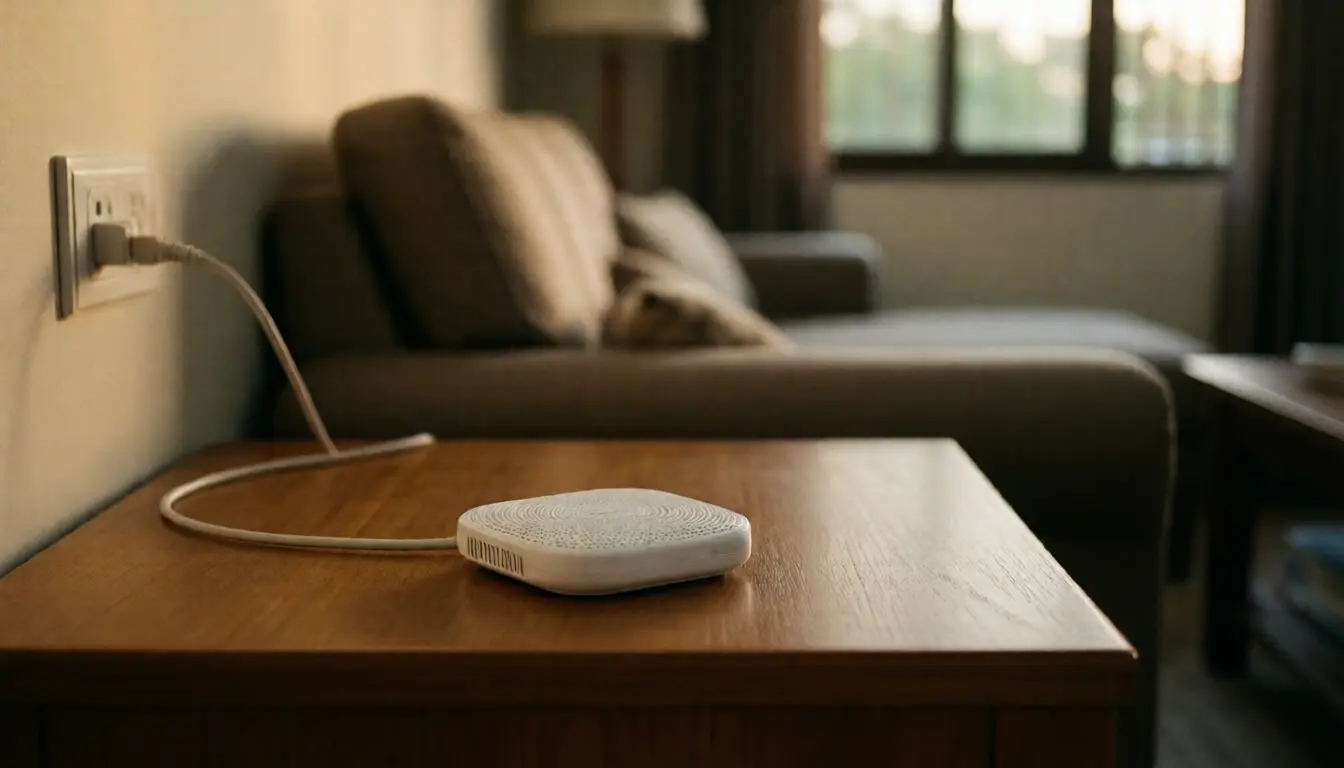
In most Thai houses the router sits where the fibre entered the building, usually in a corner near the front door, possibly inside a cabinet, possibly behind the television, and almost never in a good position for broadcasting.
Wi-Fi spreads outwards in all directions like light from a bulb, so a router in the corner of a house sends half of it out into the street.
Having the technician move where the fibre terminates, or running a long ethernet lead so the router sits centrally and higher up, is the cheapest improvement available, and many houses need nothing else afterwards.
Three things to avoid: inside a closed wooden cabinet, hard against a thick masonry wall, and next to a microwave or behind a large television. All three cost more signal than people expect.
Measure the right thing: separate Wi-Fi from internet
Most people run an internet speed test, which measures the whole path from the phone out to a server somewhere, and conclude the Wi-Fi is bad, when it may be the plan or the provider.
To separate them, measure inside the house: run a test between the phone and a computer plugged into the router by cable. That number is purely the quality of your Wi-Fi and has nothing to do with the internet at all.
If the bedroom figure is far below the living room figure, that is a coverage problem, fixed by adding broadcast points.
If the figure is high in every room but the internet still feels slow, that is a plan or provider problem, and buying mesh will not help by even a fraction.
Walk room to room and write the numbers down, because a signal map of your own house is what tells you how many broadcast points you need and where.
The number one mesh mistake: putting the node in the wrong place
People buy mesh because the back bedroom has a weak signal, then put the node in the back bedroom, which is the most wrong place it could possibly go.
The node has to receive from the router before it can pass anything on. Put it where the signal is worst and what it receives is correspondingly bad, and what it passes on can never be better than what it received.
The right position is roughly halfway between the router and the weak area, somewhere the signal is still good, letting it cover the remainder.
The other thing to know is that if the node uses the same radio both to reach the router and to serve your devices, throughput drops noticeably, because it takes turns doing two jobs on one channel.
The answer in the product is a model with a radio set aside for node-to-node traffic. Ask about that before buying. It is why two mesh kits that look identical can differ in price by a factor of two.
Why wireless mesh often is not enough for a two-storey house
Thai houses are built with rendered masonry walls and reinforced concrete floors, which stop radio far better than the lightweight partitions common elsewhere.
And the faster bands penetrate walls worse than the slower ones, which produces the situation where the phone shows full signal and everything still loads slowly, because it is holding on to the band that reaches far but is slow.
So a two-storey house with the router downstairs and a node upstairs often performs well below what was advertised, because a reinforced concrete floor is the hardest thing there is for a radio signal to cross.
If that is your house, the answer that genuinely works is one ethernet cable run upstairs with a mesh node or access point on the end of it, which turns the hardest part of the job into a non-issue.
Cable is the best option wherever it is possible
If you are building, renovating, or have an empty conduit, run cable. It gives the most for the money and has no technical disadvantage at all.
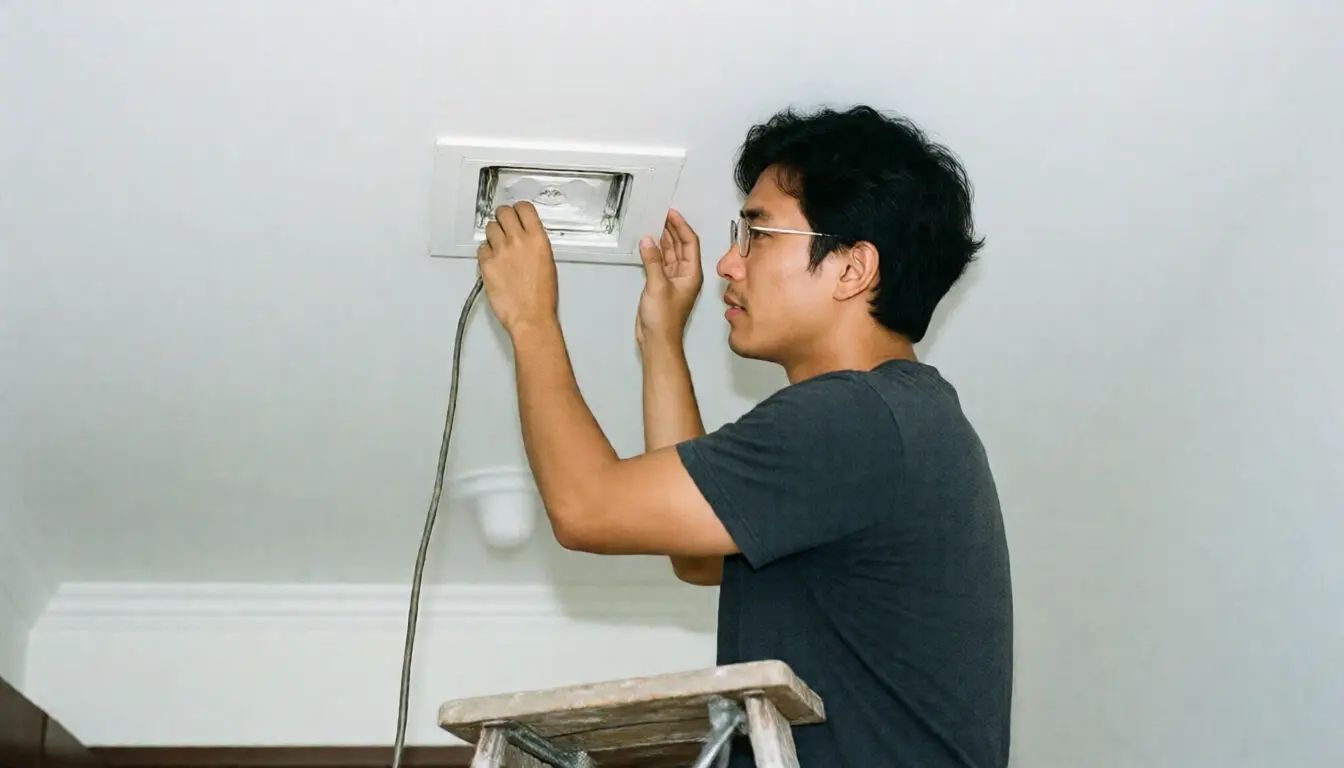
Plan where it ends. Run it to the middle of each floor, at ceiling level, not to a corner of a room, because an access point in the middle of a ceiling broadcasts in every direction, unlike a box on a table against a wall.
Run more than you think you need, since cable and the labour of pulling it while the walls are open cost very little compared with cutting into them later.
One thing people forget is that many access points take power over the same ethernet cable, so no socket is needed at the mounting point, which is what makes a tidy ceiling installation with no trailing wire possible.
How to plan the cabling and what to prepare before the walls close is in wiring a new build before the walls close, and cable standards for the Wi-Fi 7 era are in home network cabling in the Wi-Fi 7 era.
Who FTTR suits, and what you trade for it
FTTR means the provider runs a thin optical fibre from the main box into each room, with a small unit in that room to broadcast from.
The advantages are that fibre is immune to electrical interference, carries a long way without degrading, and is thin enough to hide along skirting or in a wall corner without opening anything up. That is a large advantage in an occupied house where ethernet cannot be run.
The trade is that it is the provider's system. Every piece comes from the same kit and generally cannot be mixed with other brands, which makes changing provider later more involved, and you should ask clearly at the outset who owns the fibre and the units if you leave.
Also ask whether the charge is once or monthly, and if monthly, multiply it by three years and compare against a one-off ethernet installation.
In short, FTTR suits a house where ethernet genuinely cannot be run and where being tied to one provider is acceptable. Where cable is possible, cable remains the more flexible long-term choice.
What not to buy
A plug-in range extender, because it receives and rebroadcasts on the same channel, so throughput roughly halves at once, and many create a second network name so the phone clings to the first one long after you have walked closer to the second.
A router advertised as high power, because transmit power is capped by regulation, and most problems are not the router failing to reach the phone but the phone, with its small antenna and low power, failing to reach back. Turning up one end changes nothing.
The newest router to fix patchy coverage, because new standards add capacity and close-range speed, not range. The newest and fastest band actually travels the shortest distance. If the problem is no signal in the far bedroom, a new router does not address it.
Frequently asked questions
What is the difference between mesh and an extender?
Mesh presents one network name and moves devices between points for you. An extender usually creates a second name and roughly halves throughput because it receives and rebroadcasts on the same channel.
Where should a mesh node go?
Halfway between the router and the weak area, not in the weakest spot, because what a node passes on can never be better than what it receives.
What suits a two-storey house?
If you can run one ethernet cable upstairs, do that and put a broadcast point on the end, because the reinforced concrete floor between levels is the hardest thing for a signal to cross.
Is FTTR better than mesh?
Better in the quality of the return path, since it is fibre, but you trade for being tied to one provider. Ask up front who owns the fibre and the units if you end the service.
Will a newer router cover the whole house?
No. New standards add capacity and close-range speed rather than range. Patchy coverage is fixed by adding broadcast points, not by replacing the router.
In short
- The three differ in the return path: air, ethernet or fibre. Everything else follows from that.
- Move the router to the middle of the house and higher up first. It is the cheapest improvement there is.
- Measure speed inside the house to separate a Wi-Fi problem from an internet plan problem.
- Place a mesh node halfway, not in the weakest spot.
- Run cable whenever you can. It gives the most for the money.
- FTTR suits houses where cable is impossible, at the cost of being tied to one provider.