
Three things stop you working from home. Everything else is comfort
When people set up a home office, the first purchases are a desk, a chair and a monitor, all of which make working more comfortable but none of which decide whether you can work at all.
What actually stops you working is three things: the power going, the internet going, and a room too hot to sit in.
They do not happen constantly, but when one happens on a day with an important meeting, it stops being an inconvenience and becomes a work problem.
If you work from home full time and your income depends on it, spend on these three before a new chair, because a good chair helps nothing on the morning the power fails at ten.
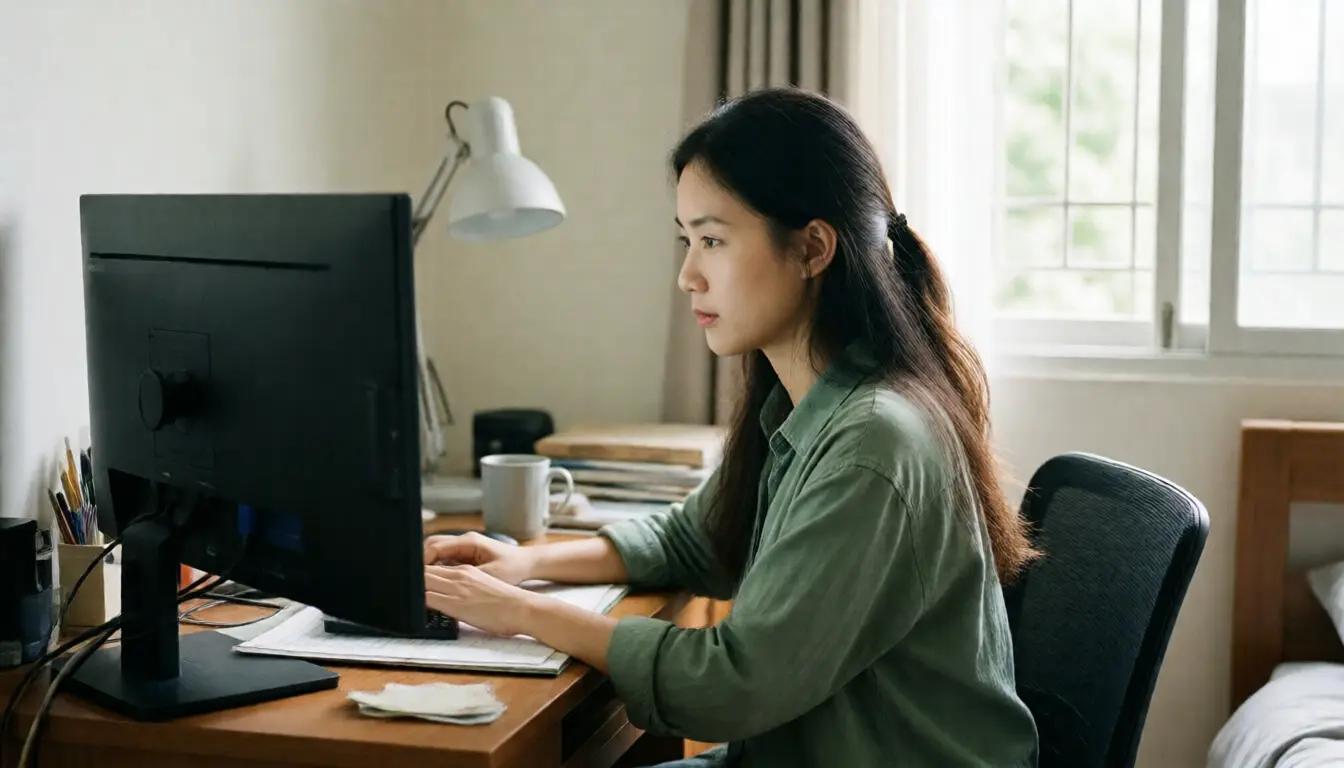
A UPS is not for long blackouts, it is for the two-second flicker
People think a UPS exists so they can keep working through a power cut, which is not the main reason.
The main reason is the flicker: power gone for two seconds and back, which happens far more often than a long cut and is entirely sufficient to kill a desktop computer mid-meeting, lose an unsaved document, and reboot the router, which then takes another two minutes to return.
Only three things need to be on it: the computer, the monitor and the router. Not the printer, not the desk lamp, and never the air conditioning.
The one people forget most often is the router, because they connect the computer and monitor, feel safe, and then discover on the day the power flickers that the computer survived while the internet went with the router that is now booting.
If you use a laptop, you already have a battery, so the only thing needing a UPS is the router, which is a small inexpensive unit and the best value upgrade a home office can have.
Power quality at home and what each device actually protects against is in voltage sags and surges.
A second connection, priced against income rather than cost
If your income stops when the internet stops, the question is not whether a second connection is expensive but what a day unable to work is worth.
What matters is that the second connection arrives by a different route from the first, because two packages from the same provider running down the same cable help nothing when that cable is cut.
The easiest and cheapest route is a mobile connection as the backup, which by its nature comes a different way. Test in advance that you can actually hold a meeting on a hotspot, and check whether the plan has enough data for a full day.
If you want it to switch automatically, there are routers taking two connections and failing over when the primary drops, which suits someone in meetings all day with no time to switch manually.
And test the backup once a month, because a backup that is never tested is a backup that will not work on the day you need it. Coverage reaching the room you work in is covered in whole-home Wi-Fi.
The bill goes up because of air conditioning at the most expensive hour
What people do not calculate before moving to working at home full time is that the air conditioning now runs through the afternoon, the hottest part of the day, which is exactly when the house used to be empty.
The bill therefore rises by a larger proportion than expected, and not because of the computer, which uses very little compared with an air conditioner.
Three things genuinely help.
Choose the room that is easiest to cool as the office, which is usually the smaller one, facing north, and not directly under the roof. Not the nicest room.
Close the door while the air conditioning runs, which sounds obvious, and yet plenty of people cool one room with the door open, which is trying to cool a whole house with one unit.
Deal with the heat coming in rather than with the air conditioner, because a room taking full afternoon sun makes any model run without stopping. That is explained in why Thai houses get hot and what to fix first.
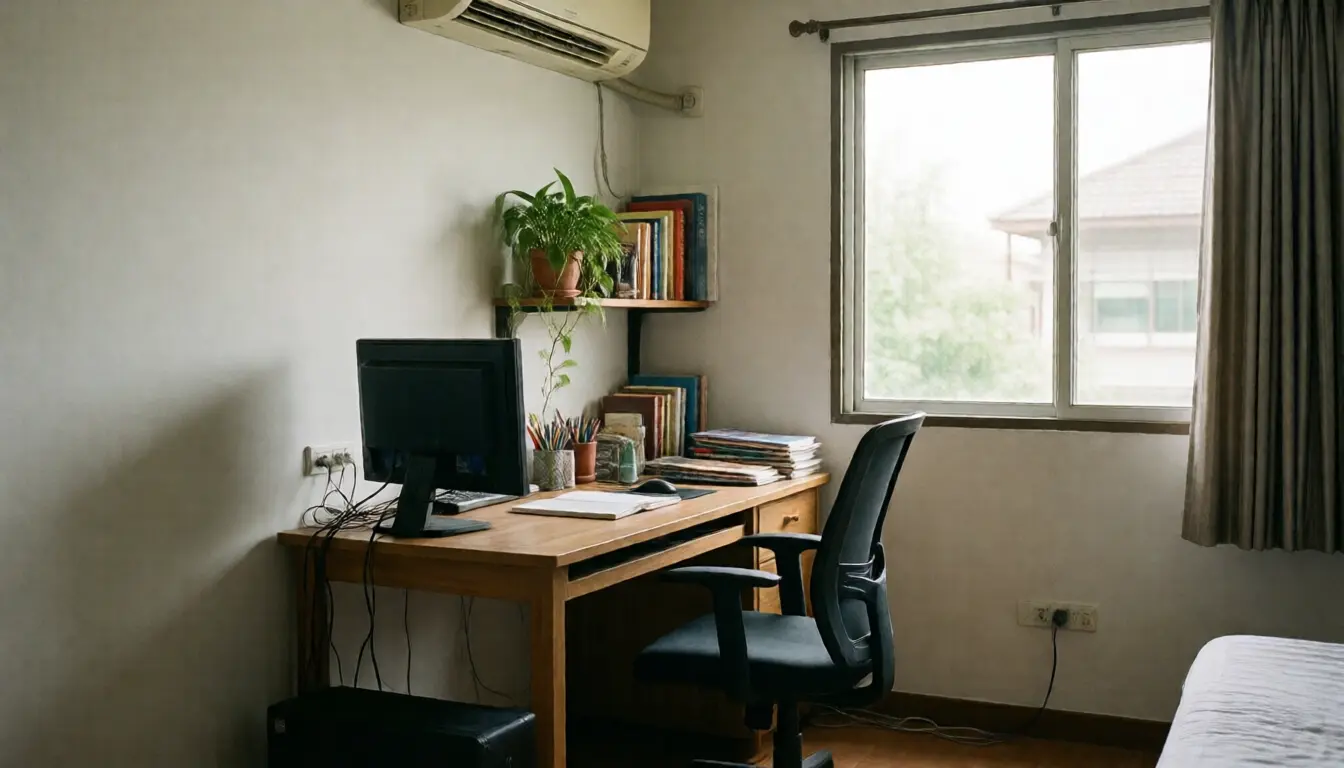
Circuits and extension leads, ignored until there is a problem
Thai bedrooms are designed with few sockets, because nobody designing them expected someone to work in there all day.
So people plug an extension lead into an extension lead and run everything from the same point, which is something to stop doing.
Use extension leads plugged directly into a wall socket only, never daisy-chained, and keep high-draw items such as a laser printer or a kettle off the same strip as the computer.
If you are renovating or building a proper office, ask for enough sockets from the outset and position them near the desk, because a lead running across the floor is both a trip hazard and the thing a robot vacuum will catch.
And check whether that room's circuit is protected by a residual current device, which is basic and which many older houses still do not have.
Light and sound, which is what people judge you on
In an online meeting, other people judge your professionalism from the picture and the sound rather than from what is in the room.
On light, there is one rule: the window must be in front of you, not behind. Otherwise the camera exposes for the brighter background and your face becomes a silhouette.
If the desk cannot move, add a lamp at eye level facing you, in a neutral to warm tone. Turning the desk to face the window is a free improvement with an immediate result.
On sound, separate the two directions. The sound going out is the echo in the room, fixed with soft things: heavy curtains, a rug, a bookshelf.
The sound coming in from the street or from construction is far harder, because blocking sound needs mass rather than softness. Foam on the wall does nothing for it.
The honest answer is a good headset with a microphone, and scheduling meetings away from the hours you know are noisy, which works better than trying to soundproof a room on a household budget.
What to have in place before the machine dies
The laptop you work on every day will fail one day, and that is the day you find out whether you prepared.
What you need is a copy of your work that is not only on one machine, whether in the cloud or on storage at home, and it has to back up automatically rather than depending on you remembering to copy files.
Test it by restoring one file once a year, because a backup never restored is a backup you do not yet know works.
The other thing worth having is a short list of what to do when the main machine is unusable: where to get into email, where the passwords are, and where the file you were working on lives. Trying to remember those while panicking is what costs a whole day.
The case for and against keeping data at home is in a home NAS versus cloud storage.
Frequently asked questions
What should I buy first on a limited budget?
A UPS for the router and computer, then a backup internet connection, because those solve what stops work entirely. A desk and chair solve comfort.
What should go on the UPS?
The computer, the monitor and the router only. Not the printer, and never the air conditioning. With a laptop, which already has a battery, the only thing that needs it is the router.
What kind of backup connection actually helps?
One arriving by a different route from the primary. Two packages from the same provider on the same cable help nothing when it is cut. Mobile is the easiest, because it comes a different way by nature.
Why did the electricity bill jump so much?
Because the air conditioning now runs through the hottest part of the afternoon, when the house used to be empty. Not the computer. Choose the easiest room to cool and close the door.
Can I soundproof with foam panels?
Foam reduces echo inside the room but does not keep outside noise out, because blocking sound needs mass. A good headset and scheduling around noisy hours work better.
In short
- Power, internet and heat are what stop you working. Everything else is comfort.
- A UPS is for two-second flickers, and the router must always be on it.
- A backup connection must arrive by a different route, and be tested monthly.
- The higher bill comes from afternoon air conditioning. Pick the easiest room to cool and shut the door.
- The window goes in front of you, not behind, which is a free improvement.
- Back up automatically, and restore one file once a year to prove it works.