
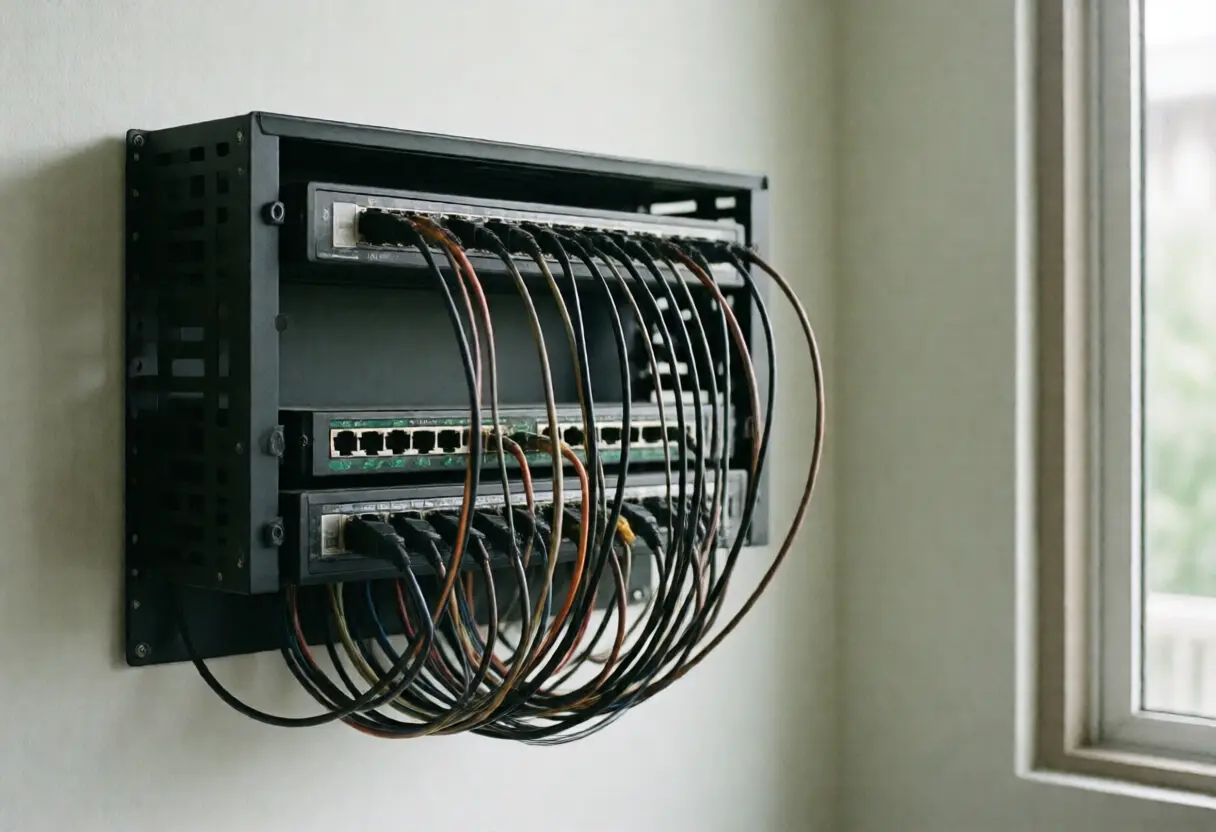
Wi-Fi 7 is here. Do you still need to run cable in the house?
Yes, and more of it than before. The speed Wi-Fi 7 is sold on comes from the 6 GHz band, which is the worst of the three bands at getting through walls. A Thai house built from brick and render therefore needs several access points, and every one of them needs a cable running to it, or the signal quietly falls back to an older band without telling you.
One expensive router in the middle of the house performs worse than three cheaper units of the same total cost with cable to each.
Why faster Wi-Fi needs more cable
| Band | Speed | Through walls |
|---|---|---|
| 2.4 GHz | Lowest | Best, and travels furthest |
| 5 GHz | Middle | Moderate |
| 6 GHz | Highest, and the reason Wi-Fi 7 is interesting | Worst, and the shortest range |
In a real house that means your device only connects on 6 GHz while it is in the same room as the router. Walk through one wall and it switches itself to 5 GHz, and the speed you paid for goes with it.
The fix is not a more powerful router. It is putting the radios closer to the people using them, with each one fed over cable.
Wireless mesh and wired mesh are further apart than they look
A mesh system that links its nodes wirelessly has to use the radio both to receive from the main unit and to serve your devices at the same time. Usable bandwidth drops noticeably at every hop, and drops again with each additional hop.
Run a cable to each node and that problem disappears entirely, because each node then uses its radio for one job only: talking to your devices.
Which is why cabling a house is not obsolete. It is what lets the wireless part work properly.
Which cable, and the thing that matters more than the cable
| Cat 6 | Cat 6A | |
|---|---|---|
| 10 gigabit supported to | About 55 metres | The full 100 metres in the standard |
| Size and stiffness | Thinner, easier to pull and bend | Thicker and stiffer, needs a larger bend radius |
| Suits | An ordinary house with short runs | A large house, several floors, or wanting a long future margin |
Runs in most detached houses are well under 55 metres, so Cat 6 is enough for the ordinary case. If you are building and the difference is a few thousand baht, Cat 6A is not wasted money either.
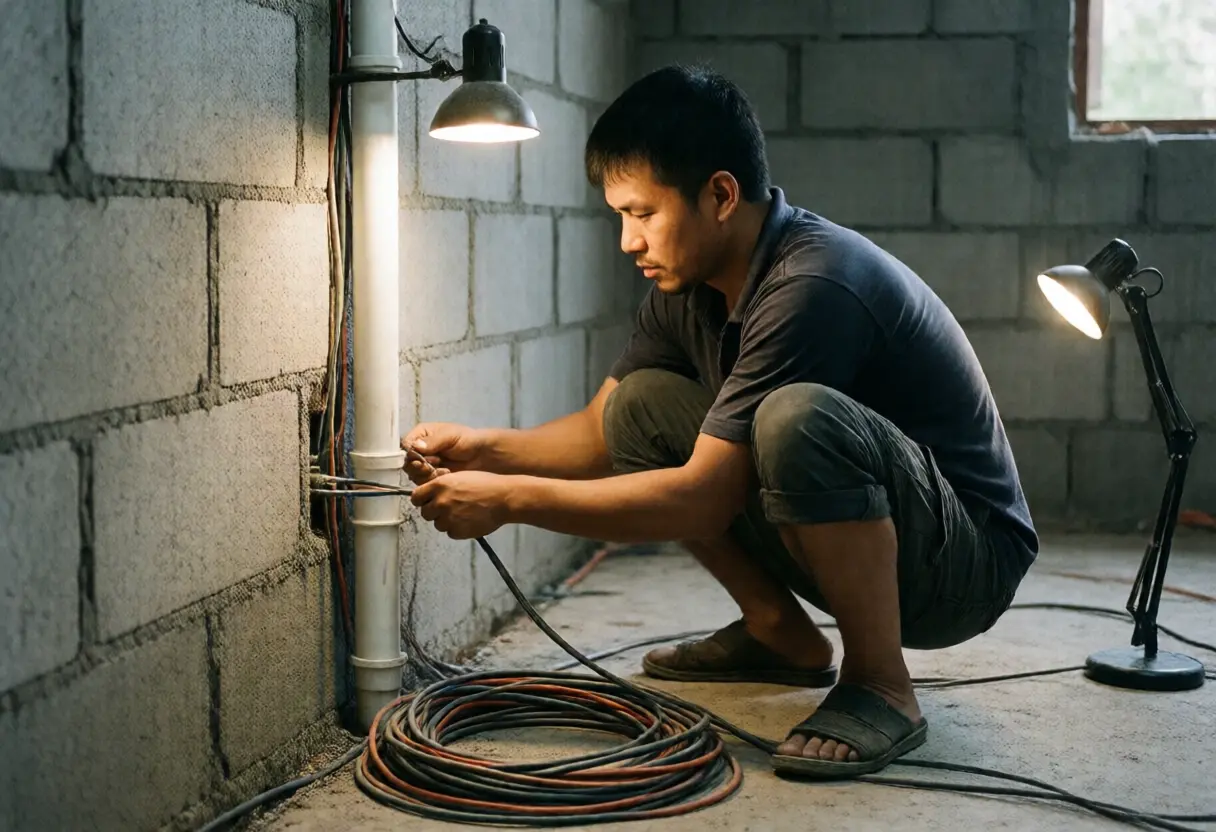
What matters more than the category, though, is conduit. Cable eventually dates. Conduit is what lets you replace it without opening walls. Bury cable directly in the render with no conduit and you live with that cable for the life of the house.
Where the drops go
- The ceiling near the middle of each floor, for the access point, not a corner. The signal spreads in a circle around the unit.
- The television wall, at least two, because the television and the set-top box are separate devices.
- Every desk that will actually exist, rather than every bedroom.
- Camera positions around the house, where one cable carries both data and power if you use PoE.
- One spare cable at every position, because cable costs far less than labour, and labour costs far less than opening a finished wall.
That last point is the one people regret most. Cable is a few baht a metre. Adding one more run to a house that is rendered and painted is a different order of cost entirely.
Where the rack goes, and the power side
- Not in the roof void. Heat accumulating all day is the enemy of network equipment.
- Near where the fibre enters, so the provider's cable does not have to cross the house.
- It needs a socket and ventilation. A sealed cabinet in a tight recess means hot equipment with a short life.
- Do not run data in the same conduit as mains power. Separate them, and where they must cross, cross at right angles.
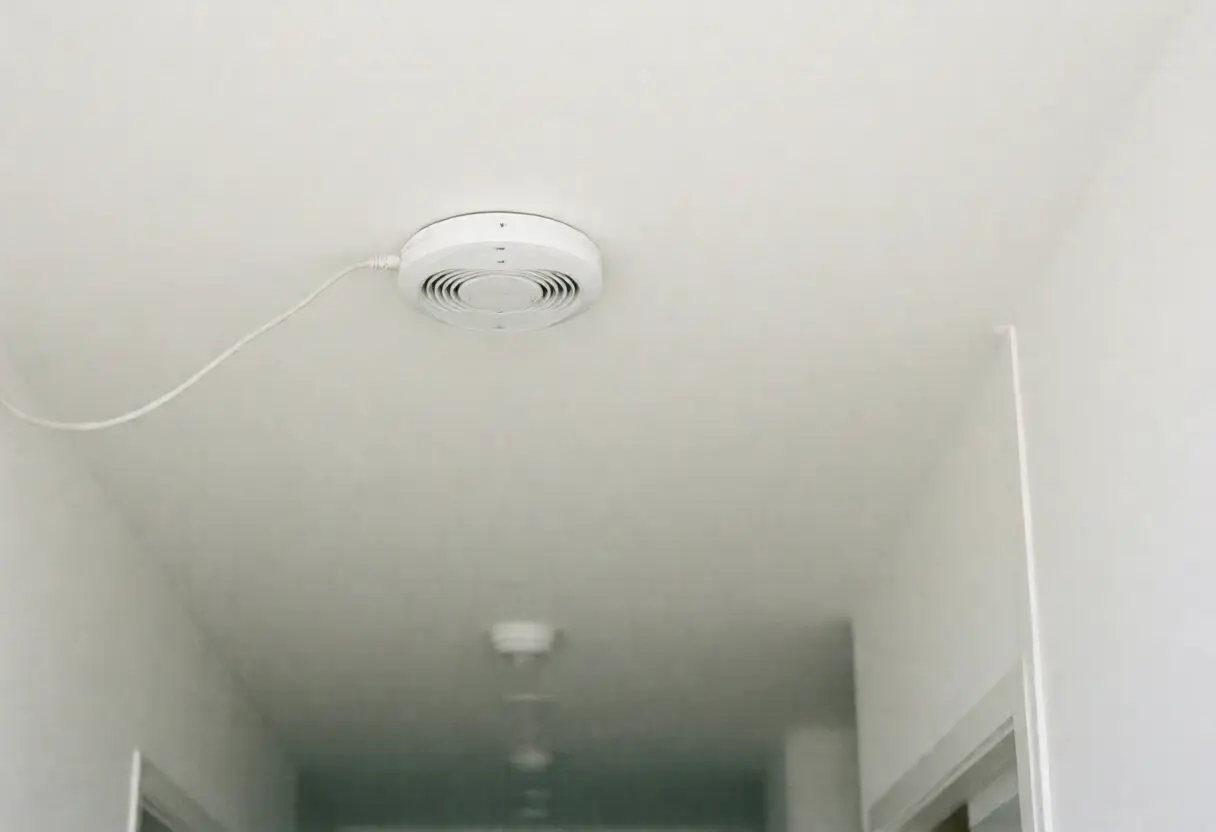
- Use PoE for ceiling access points, so there is no mains socket on the ceiling, which is both ugly and extra work.
Choosing the smart home platform that will sit on this network is covered in the smart home guide for Thailand, and what all of it costs to run is in does a smart electrical system cut the bill.
If the house is finished and there is no conduit
| Approach | What you get | Limitation |
|---|---|---|
| Surface cable in trunking | Full speed, same as buried cable | The trunking is visible, which you have to accept |
| Networking over the mains wiring | No new cable to run | Speed depends on the circuits, and usually drops sharply across different breakers |
| A multi-node wireless mesh | Fastest to set up | Bandwidth falls at each hop |
| One single cable run to the upper floor | Solves most of it with the least work | You need a route you can live with |
That last row is the best value for a finished two storey house. One cable upstairs to feed a second access point solves more than replacing the router three times.
Frequently asked questions
With Wi-Fi 7, is cable still needed?
Yes. The speed comes from the 6 GHz band, which is worst at passing through walls, so a brick and render house needs several access points, each ideally fed by cable.
Is a wireless mesh not enough?
It is for some houses, but nodes linked wirelessly use the radio to receive and transmit at the same time, so usable bandwidth falls at each hop.
What is the difference between Cat 6 and Cat 6A?
Cat 6 supports 10 gigabit to about 55 metres, Cat 6A to the full 100 metres in the standard. Runs in an ordinary house are usually well under 55 metres.
What matters more than the cable category?
Conduit, because cable can date but conduit lets you replace it later without opening walls.
Where should the access point go?
On the ceiling near the middle of each floor's living area rather than in a corner, because the signal spreads in a circle around the unit.
Can data share conduit with mains power?
It should not. Keep them in separate conduit, and where they must cross, cross at right angles.
Where should the rack go?
Near where the fibre enters, with a socket and ventilation, and not in a roof void where heat accumulates.
What can be done in a finished house?
The best value is usually a single cable run to the upper floor to feed a second access point, which solves more than replacing the router.
Key takeaways
- Faster Wi-Fi needs more cable, because the 6 GHz band that carries the speed is worst through walls.
- One expensive router performs worse than several cabled access points of the same total cost.
- Wirelessly linked mesh nodes lose bandwidth at each hop. Cabled ones do not.
- Cat 6 carries 10 gigabit to about 55 metres, Cat 6A to the full 100.
- Conduit matters more than the cable category, because it lets you replace the cable without opening walls.
- Always pull one spare per position, since cable is cheaper than labour and labour is cheaper than opening a finished wall.
- Keep the rack out of the roof void and keep data conduit separate from mains power.