
Is a home CCTV camera a breach of Thailand's PDPA?
No, provided it is on your own property and there to protect the life and property of the people living there. That falls within personal or household activity, which the Personal Data Protection Act exempts under section 4 (1). Thailand's data protection office has said so publicly.
The line that takes you outside the exemption is not that the camera sees the street. It is pointing it into someone else's private space, or taking the footage and using it for something other than the safety of your own home.
This piece has two halves. The first is the legal boundary, which is what people ask about most. The second is choosing and installing a system that produces footage you can actually use, because a camera that is perfectly lawful and produces unusable pictures is the same as no camera.
Where the line actually falls
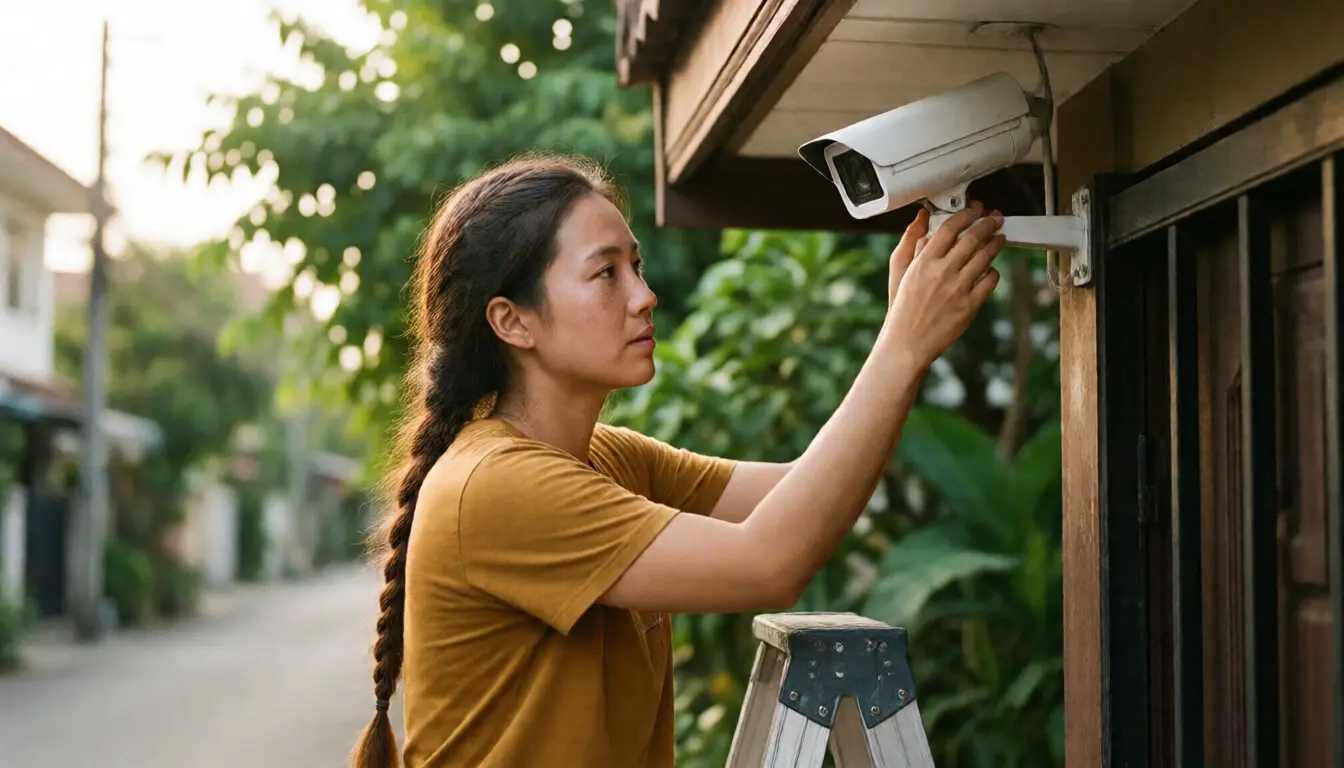
Think of it as one question: what is this camera for? If the answer is your gate, your fence, your car and your entrance, you are clearly inside the exemption even if some of the street appears in frame, because that is unavoidable when you photograph your own entrance.
It becomes a problem when the camera looks over the wall into the house next door, particularly places where people expect privacy: a bedroom window, a washing area, their back garden. At that point what you are doing is no longer looking after your own home. It is collecting other people's personal data, and the exemption does not reach it.
What makes this messy in practice is wide-angle lenses. Plenty of cameras on the market are wide enough to sweep into the neighbouring property without the owner intending it. The simple fix is the privacy masking function, which most cameras and recorders have: set an opaque block over the part of frame that is somebody else's house on the day you install it, and take a screenshot of the configuration to keep, in case you ever have to explain.
Three things that take you outside the exemption even at your own house
The exemption attaches to purpose, not to where the camera is mounted. These are the three that people do without realising they have stepped outside it.
Posting clips to a group or on social media. Putting up footage of someone who walked past your house to shame them, or asking whether anyone recognises this person, is not personal use in the sense the exemption means. It is disclosing another person's personal data publicly. If the footage genuinely needs to be used, give it to the police rather than to a chat group.
Using the camera for a business. A house with a shop in it, a home office clients visit, or a property let out nightly: that camera is no longer doing a purely household job. In those cases follow what a data controller is expected to do, with notice signage, a clear stated purpose and a defined retention period.
Cameras inside a property you rent out. This is the clearest breach and people still do it. Once the property is handed over, the interior is the tenant's private space. A camera inside it that the tenant does not know about is not merely a data protection question, it goes directly to their privacy. Any camera remaining in a let property has to be disclosed and agreed in the tenancy, and there should never be one in a bedroom or bathroom under any circumstances.
A building's cameras are a different matter entirely
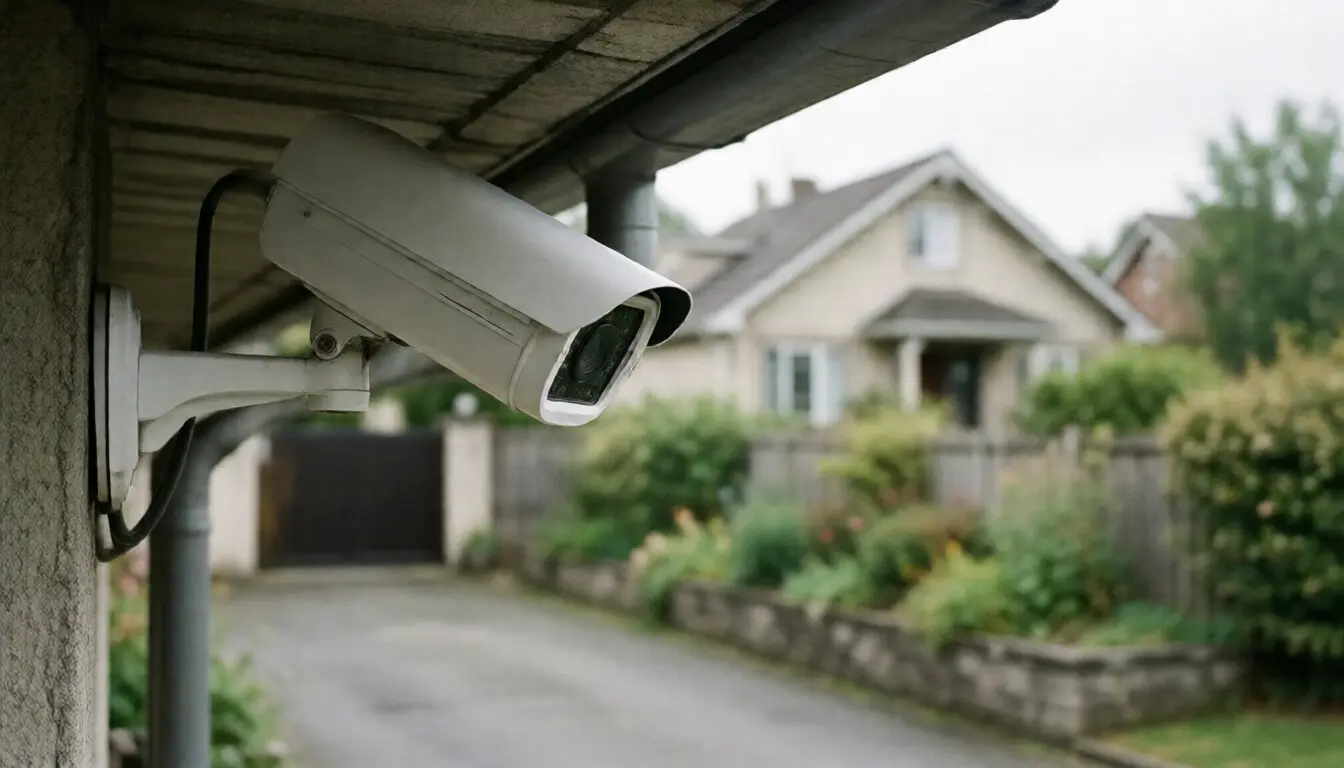
Cameras in the common areas of a condominium or a housing estate are not covered by the household exemption, because the juristic person is recording large numbers of people for a collective purpose rather than for one family. It is therefore a data controller, with the duties that follow.
What a juristic person should have, and what you are entitled to ask for, is signage saying the area is recorded, a policy stating the purpose, a retention period before footage is deleted, and a defined list of who can access it. If asking produces nothing at all, that is a gap worth raising at a general meeting rather than accepting as normal.
Retention affects you more directly than you might think, because most recorders overwrite when the disk fills. A building that keeps seven days and one that keeps thirty are very different on the day you realise your car was scraped a fortnight ago. Ask for that number while nothing is wrong.
How to ask a building for footage and actually get it
The requests refused most often are the broad ones: everything from all cameras for yesterday. A juristic person genuinely cannot hand that over, because it is full of other people.
What works is narrow and specific. Put it in writing: the date and the tightest time window you can recall, which camera or which area, why it concerns you, for example that your car was parked there and has damage, and what you are asking for, such as viewing it with a staff member present or a copy of that window only.
In practice many buildings will let you view it with staff rather than hand over a file, which is a reasonable approach because it limits the exposure of other people's data to what is necessary. If the matter is heading towards a case, report it to the police first and let them make the request, which is both the hardest channel for a building to refuse and the most proper.
If the juristic person simply goes quiet or refuses without a reason, the escalation route is in what a co-owner can do about common property.
Now the cameras themselves
Cameras are marketed on a big resolution number, and that number alone is not what makes footage usable as evidence.
Enough resolution. For a normal house, four megapixels is enough for the distances involved. What matters more is how far the camera is from the point where you need to see a face. A high-resolution camera mounted too high and too far away renders a head as a small patch that reveals nothing when enlarged. The rule of thumb: to identify a face, that camera wants to be within roughly four or five metres of where people pass, at a height where it sees a face rather than the top of a head.
What you get at night. Infrared gives monochrome images in darkness, which show shape and movement but tell you nothing about the colour of a shirt or a car. A camera with a light-sensitive sensor working alongside a lamp gives colour, which is far more useful for identification. If there is already light where you are mounting, choose the one that stays in colour at night.
Field of view against what you need to see. A very wide lens covers more ground with less detail per square metre, and carries more risk of sweeping into the neighbours. For an entrance, a narrower camera aimed specifically at the door usually produces better usable footage than one camera trying to see everything.
Weather. An outdoor camera in Thailand takes driving rain and hard sun. Check the ingress protection rating and choose a position with some eave over it, because a camera in full sun all day degrades faster than people expect and the lens clouds within a few years.

Where the footage lives is a bigger decision than it looks
Most people choose the camera first and think about storage afterwards, which is the wrong order, because storage determines your monthly cost, your risk, and how far back you can actually look.
| Storage | Advantage | What you accept |
|---|---|---|
| Memory card in the camera | Cheapest, no monthly fee, simplest to install | If someone takes the camera the footage goes with it, and cards wear out and usually fail silently |
| A recorder in the house | Weeks of footage, it stays with you, no monthly fee | Needs somewhere to sit and cabling, and it can be stolen too, so it should not be somewhere obvious |
| Cloud | Footage survives even if the camera is destroyed, viewable from anywhere | A monthly fee per camera, and pictures from inside your home sit on a provider's system, so read where it is stored and who can reach it |
Where many households sensibly end up is both: a recorder at home for length, plus cloud for motion events only, so something survives even if the whole set of equipment disappears.
Power and signal, which decide whether the system works at all
A camera carrying power and data on one cable is the most reliable arrangement, and the one to choose if you are running cable anyway or building. No dropouts and no batteries to think about.
Wireless cameras are far easier to fit and suit a house where nobody wants to run cable, with two limits worth knowing. The signal has to be strong at the actual mounting point, which tends to be the corner of the house furthest from the router. And the camera still needs power: wireless means no data cable, not no cable.
Battery-only cameras suit places power genuinely cannot reach, on the understanding that they do not record continuously. They wake on motion, which means the first seconds of an event are usually missing, and somebody has to take them down and charge them every few months, which is a task people abandon after about six.
If you are building or doing a major renovation, run conduit for this even if you are not installing cameras yet, because the cost while the walls are open bears no relation to the cost afterwards. Same principle as wiring a smart home before the walls close, and the network side is in home network cabling in the Wi-Fi 7 era.
Audio, which people rarely think about
Many cameras record sound as well, and plenty of people leave it on without considering it. Recording audio sits differently from recording pictures, because conversations between people walking past or talking outside your house are considerably more sensitive than moving images.
The straightforward advice: unless there is a clear reason to capture sound, turn it off. A video doorbell you use to speak to a delivery driver is a different thing, because it is two-way communication the other person knows about, unlike a microphone left listening permanently with nobody aware of it.
Installing so the footage is worth having
- Set the date and time correctly and synchronise it. Footage half an hour out cannot be lined up against other evidence and is the easiest thing to dispute. Check it after every power cut, because some units drift on reboot.
- Do not aim into the light. A camera facing a road with headlights, or into the late afternoon sun, renders people as black silhouettes. Test the actual picture at the worst hour of the day, not only at midday while installing.
- Keep one camera low. Mount everything high and every recording shows the top of a hat. At least one camera at eye level near the entrance is what produces a face.
- Play back old footage monthly. Open something from two weeks ago once a month, because failed cards and full disks happen silently and people find out on the day they need the footage.
- Copy out an incident immediately. If something happens, export that window to a second location the same day. The system will overwrite on its own schedule regardless of your intentions.
Three questions before you order anything
What do you want to see? Answer it concretely: the face of whoever rings the bell, the plate of a car entering the lane, or movement around the house at night. Those three want different cameras in different places.
When will you look at it? If the answer is only when something happens, long retention matters more than instant alerts. If the answer is that you want to know the moment someone enters, accurate alerting matters more, and that means paying for something that can tell a person from a cat and from a moving branch.
Who maintains this in two years? If the answer is nobody, choose the simplest system that satisfies the first question, because a system too complex for anyone to look after becomes a set of cameras that have recorded nothing for eight months with nobody aware. That state is more common than it should be.
For anyone setting up a whole house rather than just cameras, the overall picture and what to budget is in smart homes in 2026, and for a rented property the cautions about equipment in a tenant's home are in home automation in a rental property.
Frequently asked questions
My camera sees part of the public road. Is that a breach?
No. Some of the street appearing is an unavoidable by-product of covering your own entrance. The problem is aiming into the private space of another house.
My neighbour's camera points at my house. What can I do?
Talking to them is the fastest route: ask them to apply privacy masking over the part of frame that is your property, which most cameras do without affecting their own coverage. If that fails, escalate in writing and then through the formal channels.
Can I post footage from my camera in the estate group chat?
Better not to. It discloses another person's personal data publicly, which sits outside protecting your own home. If it genuinely needs using, give it to the police.
Can I ask the building for footage?
Yes, but put it in writing and make it narrow: date, tight time window, which camera, and how it concerns you. In practice buildings often allow viewing with staff present rather than releasing a file, which is a sensible approach.
How long does a building keep recordings?
There is no single figure. It depends on the policy and the system's capacity. Ask while nothing is wrong, because it is the window you will have if something happens.
Should I record audio?
Unless there is a clear reason, turn it off, because conversation is more sensitive than images. A two-way doorbell is different, since the other person knows they are speaking to someone.
Can I put a camera inside a property I rent out?
Once handed over, the interior is the tenant's private space. A camera the tenant does not know about goes directly to their privacy, and there should never be one in a bedroom or bathroom.
Key takeaways
- A camera at your own home for the safety of the household falls within the PDPA exemption in section 4 (1).
- You leave the exemption by pointing into someone else's private space, or by using the footage for something other than your own security.
- Apply privacy masking over the neighbour's property on installation day and keep a screenshot of the setting.
- Do not post clips to shame people. If the footage is needed, give it to the police.
- A building's cameras are a separate matter: it is a data controller and needs signage, a policy and a retention period.
- Request footage in writing and as narrowly as you can: date, time window, camera.
- Distance from the camera to the point you need to identify matters more than the resolution figure.
- Decide storage before choosing cameras, because it sets both the monthly cost and how far back you can look.
- Play back old footage once a month, because cards fail and disks fill without any warning.